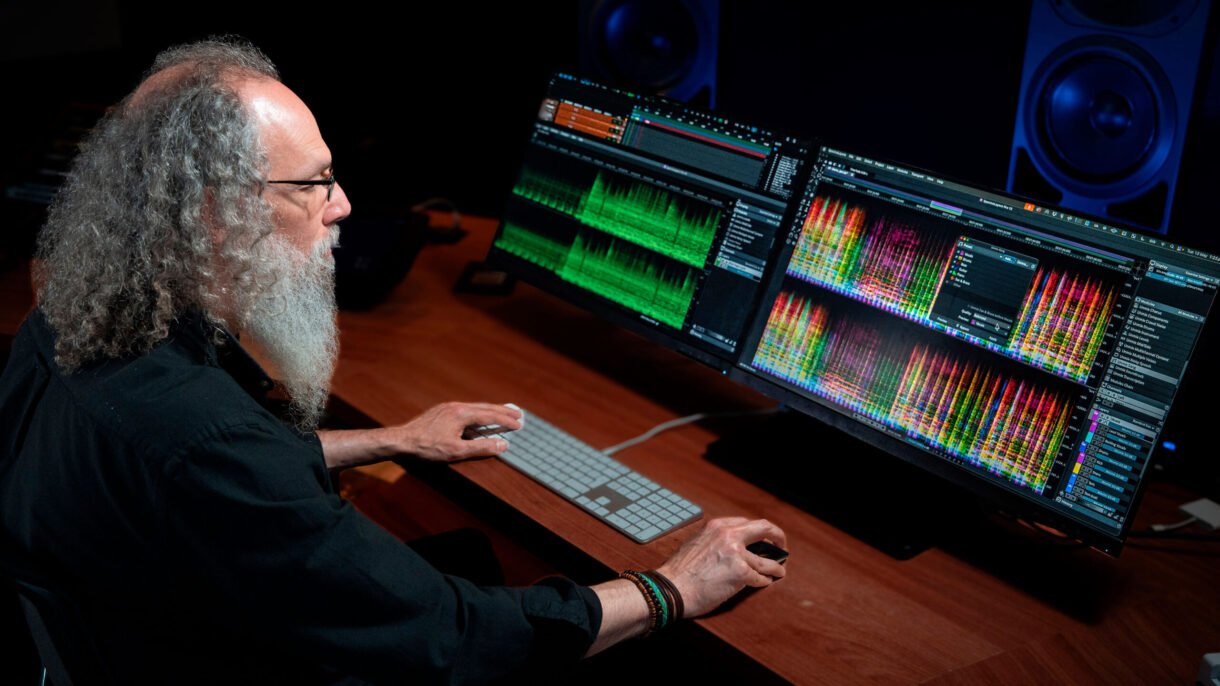
Steinberg has just dropped SpectraLayers 12, and it’s one of the most significant updates the spectral audio editor has seen. Packed with new features and refinements, this version is aimed squarely at producers, engineers, sound designers, and post-production pros looking for deeper control over audio unmixing, vocal cleanup, and spectral editing.
Whether you’re cleaning up noisy dialogue, remixing stems, or restoring archival recordings, SpectraLayers 12 delivers tools that make complex tasks feel much more intuitive.
New Unmixing Tools: Soundtrack and Instrument Separation
One of the biggest additions in SpectraLayers 12 is two brand-new unmixing modules.
- Unmix Soundtrack: Perfect for post-production, this tool separates a mixed audio file into dialogue, effects, and music layers. Think film soundtracks, trailers, or broadcast content where you need to isolate or replace certain elements.
- Unmix Instrument: Want to isolate a specific instrument from a mix? This module lets you do just that. After analyzing your target instrument, it can pull it out cleanly — ideal for remixing, re-arranging, or focused processing.
Improved Existing Modules
Steinberg didn’t stop at new features — several of the existing unmixing tools have also been significantly upgraded:
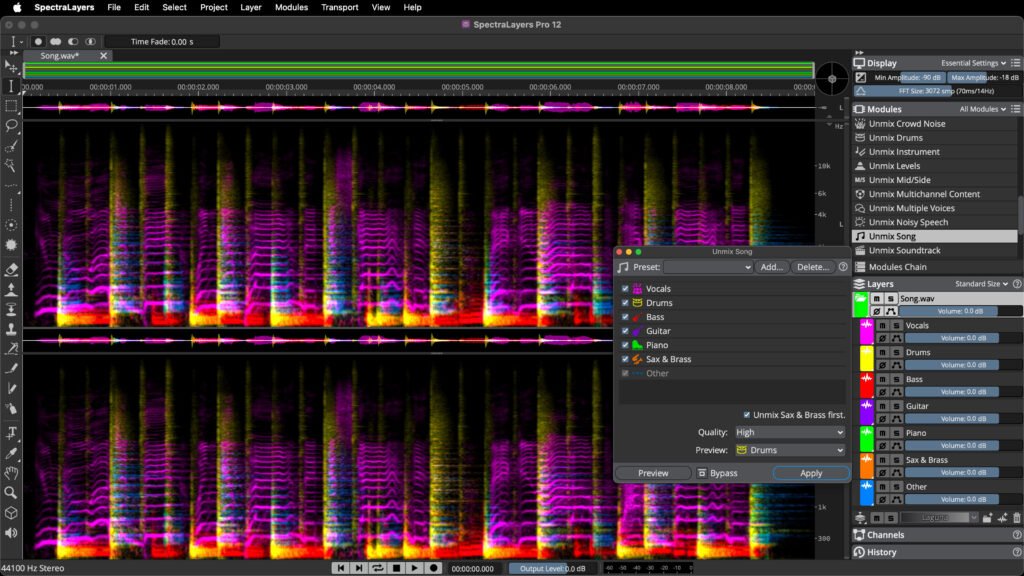
- Unmix Song now does a much better job at separating vocals, drums, bass, and even brass/sax instruments.
- Unmix Drums can now pull out six individual drum elements: kick, snare, toms, hi-hats, ride, and crash cymbals.
- Unmix Noisy Speech has been enhanced to isolate speech more cleanly, with fewer artifacts — super helpful for podcast editing or forensic audio work.
Next-Level Voice Processing with AI
Voice tools have gotten smarter, too.
- The new Voice Enhance module uses generative AI to clean up poor-quality voice recordings while preserving natural tone and identity.
- A new DePlosive module removes harsh plosive sounds from speech, with customisable controls for threshold, frequency, and reduction.
- Voice DeNoise and Unmix Transcription have both been improved, offering clearer results and better accuracy. Transcription now supports twice as many languages and is twice as accurate compared to the previous version.
Work Faster: Multi-Layer Editing & Smarter Selections
SpectraLayers 12 brings a huge workflow upgrade — all tools and processes can now work across multiple layers at once.
- In standalone mode, that means you can edit multiple stems simultaneously.
- In ARA mode (Cubase/Nuendo), you can process clips across a full project — great for editing dialogue across scenes or tracks at once.
Selection tools have also been improved:
- You can now track narrow frequencies more precisely.
- Elastic frequency selection adapts better to shifting content.
- Harmonics selection is easier and no longer requires detailed tweaking.
- Transient selection is more responsive and customizable, giving you cleaner and more accurate edits.
Other Notable Updates
- Batch processing now allows custom naming
- You can resize active selections right in the spectrogram
- Volume envelopes are now rendered in-place
- Improved VST 3 module and History panel
- Runs natively on Windows Arm
- Plus lots of smaller workflow and UI enhancements
Read more on SpectraLayers 12 on the Steinberg website